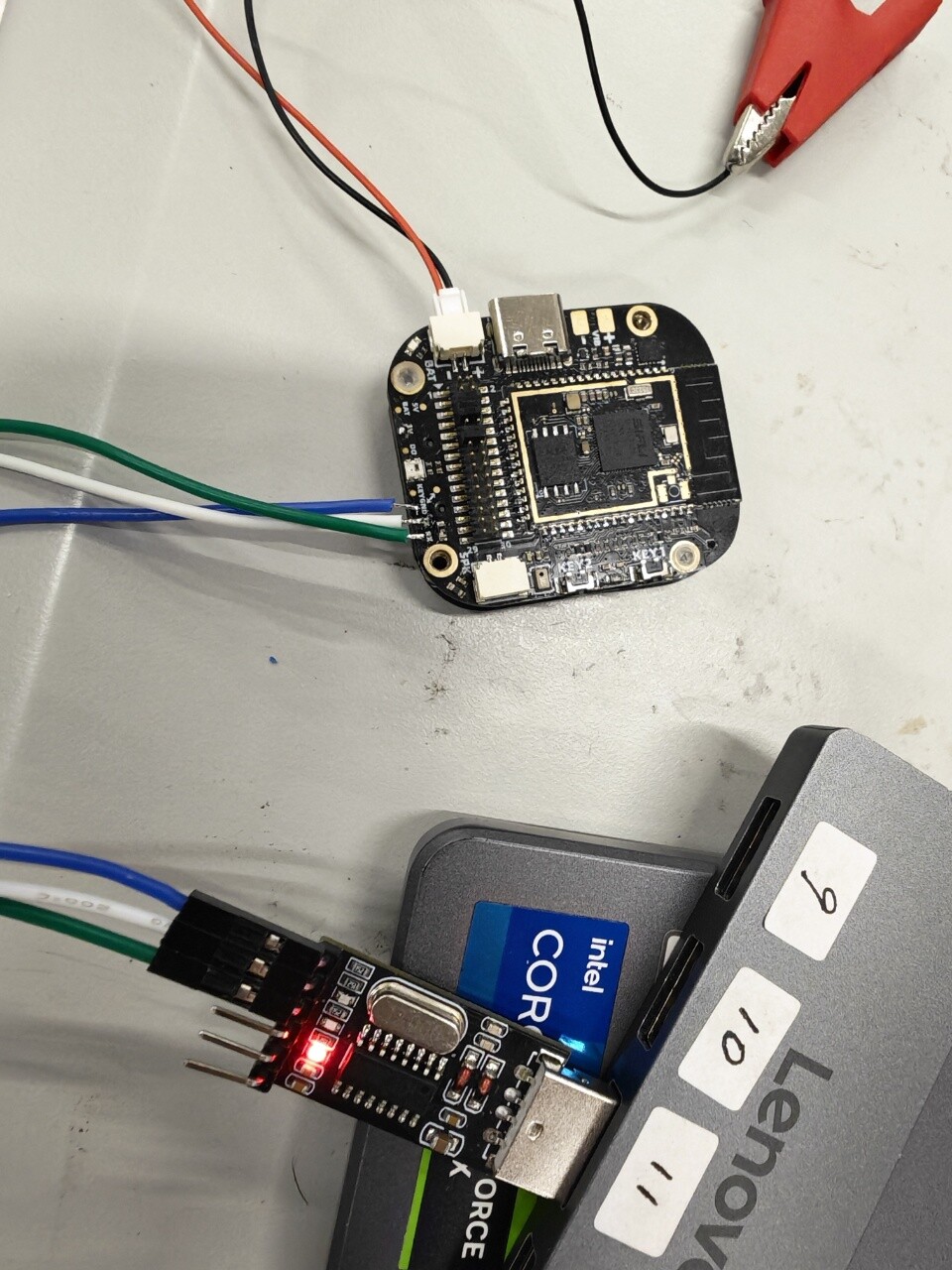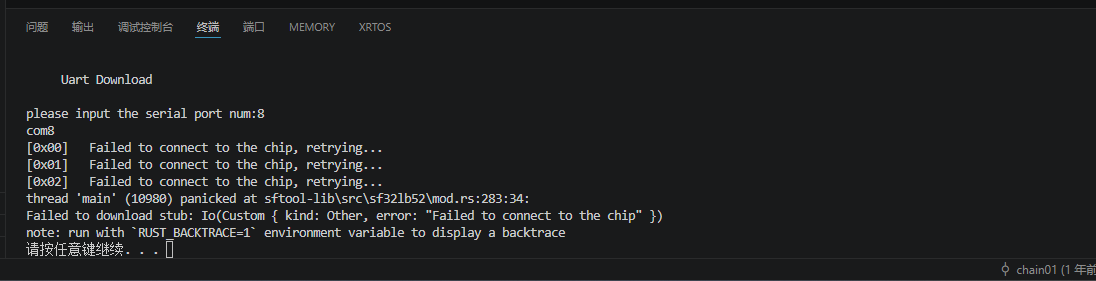
I was previously able to download successfully, but after downloading the lvgl_v8demo onto the board, for some reason it seems like the port can’t be found or there’s a communication issue—it keeps retrying. Also, since it’s an LVGL program, the screen flashes on and off during download. The COM port can’t be faulty since I’ve almost tried all of them.
Try unplugging it completely and then plugging it back in.
Bro, it still doesn’t work
. I’m using USB for both power and communication. I’ve also tried connecting the serial port externally via test points, completely powering off the USB, then plugging it back in—but the chip still isn’t being detected.
– west flash: rebuilding
ninja: no work to do.
– west flash: using runner sftool
[0x00] Failed to connect to the chip, retrying…
[0x01] Failed to connect to the chip, retrying…
[0x02] Failed to connect to the chip, retrying…
thread ‘main’ panicked at sftool\src\main.rs:118:31:
called Result::unwrap() on an Err value: Custom { kind: Other, error: “Failed to connect to the chip” }
note: run with RUST_BACKTRACE=1 environment variable to display a backtrace
When encountering similar issues, what are some effective ways to reflash the device? Do I need to buy a battery and perform a hardware reset using a button?
I connected a battery myself, then used sifi trace to connect, checked boot, pressed and held key1 for 10 seconds, and then re-flashed with different code.
Thank you, bro. Actually, I used the SIFI trace to connect, checked “boot,” and then simultaneously clicked “connect” and powered the device to enter boot mode.

I guess previously it didn’t enter because the earlier firmware might have immediately taken over the serial port upon power-up, preventing the download ![]()
But now there’s another issue. I can download, yes, but I’m using the method shown below: a 4V power supply from a DC power source, with external TX and RX connected. Using this method, I can download as described above, but I have to enter boot mode every time.
With this method, the download sometimes becomes extremely slow at the second step.
Also, once I try downloading via USB, it fails completely—the connection just can’t be established. I’ve already checked and confirmed that both the USB cable and the serial port are working properly.
Is the serial port occupied? Close the serial port in other software.
There is no serial port occupation, absolutely not.