You can compile using the terminal or use the plugin for one-click compilation. The plugin automatically recognizes the environment; see:
Start Project | SiFli-SDK-CodeKit
Build Project | SiFli-SDK-CodeKit
Compile using the terminal under project/hcpu:
# Compile
socns --board=sf32lb52-lchspi-ulp -j8
# Download - Enter the port number as prompted
build_sf32lb52-lchspi-ulp_hcpu/uart_download.bat
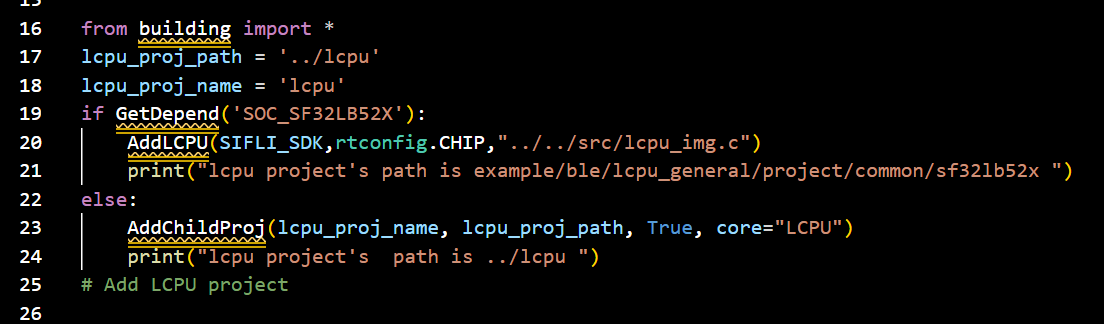
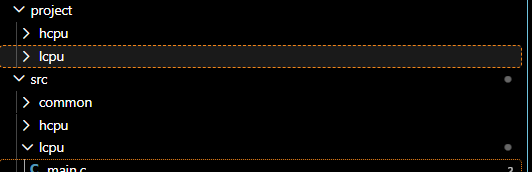
Hello, this project contains hcpu and lcpu. If I want to compile hcpu, I have to go into the hcpu folder to compile and flash it. But lcpu has no flashing or compilation. What should I do?
Thank you so much, I get it now. Thanks, master.