Help, how to use sftool

While reproducing the EasyEDA AI Training Camp project, I got stuck at the step of flashing firmware using sftool.

EasyEDA AI Assistant (Plugin Version): https://lceda002.feishu.cn/wiki/B2LLwyC7binHuJkkHGMce03wnWf?from=from_copylink

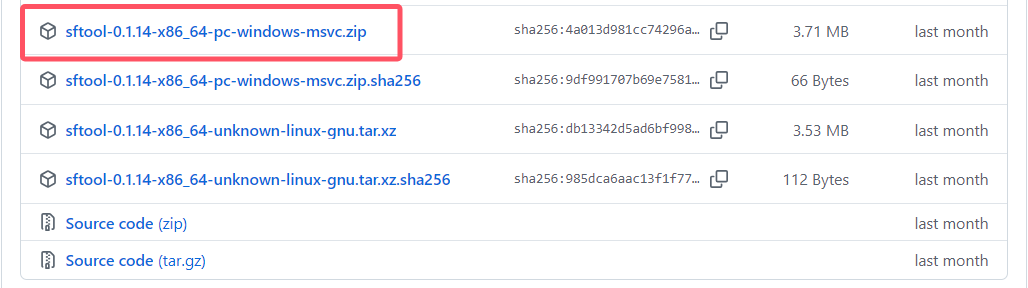
I followed the instructions in the document and downloaded the latest version of sftool (v0.1.14), extracted it, and got an sftool.exe file. However, the program crashes immediately upon launching. I’ve tried powering the board, connecting it via serial port, and then opening the file, but the issue persists. I don’t know what to do now. I’ve spent so much time soldering the board, yet I still haven’t been able to verify whether the board itself is functional. Feeling helpless—please help me, experts! QAQ

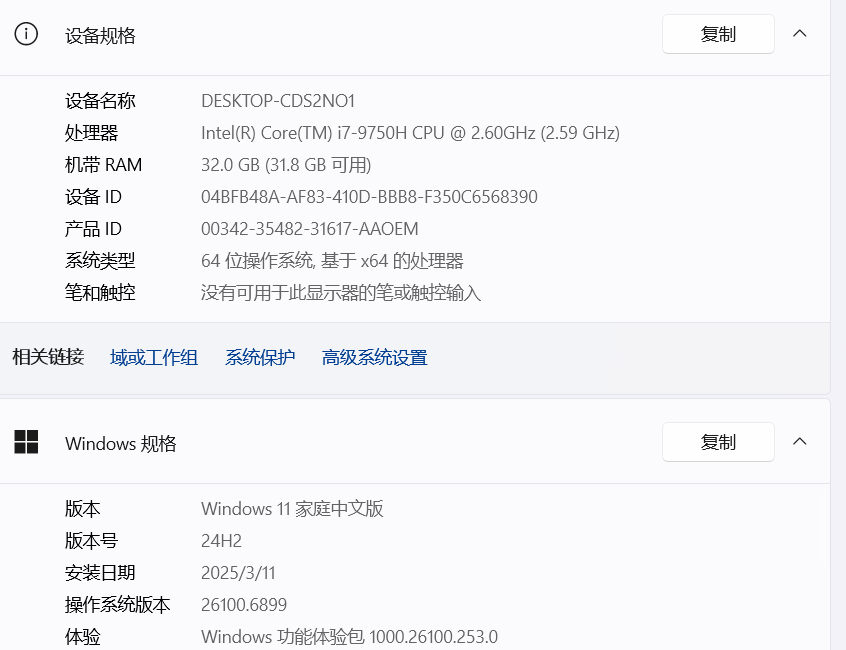
My computer:

Version I downloaded:

Observed behavior upon running:

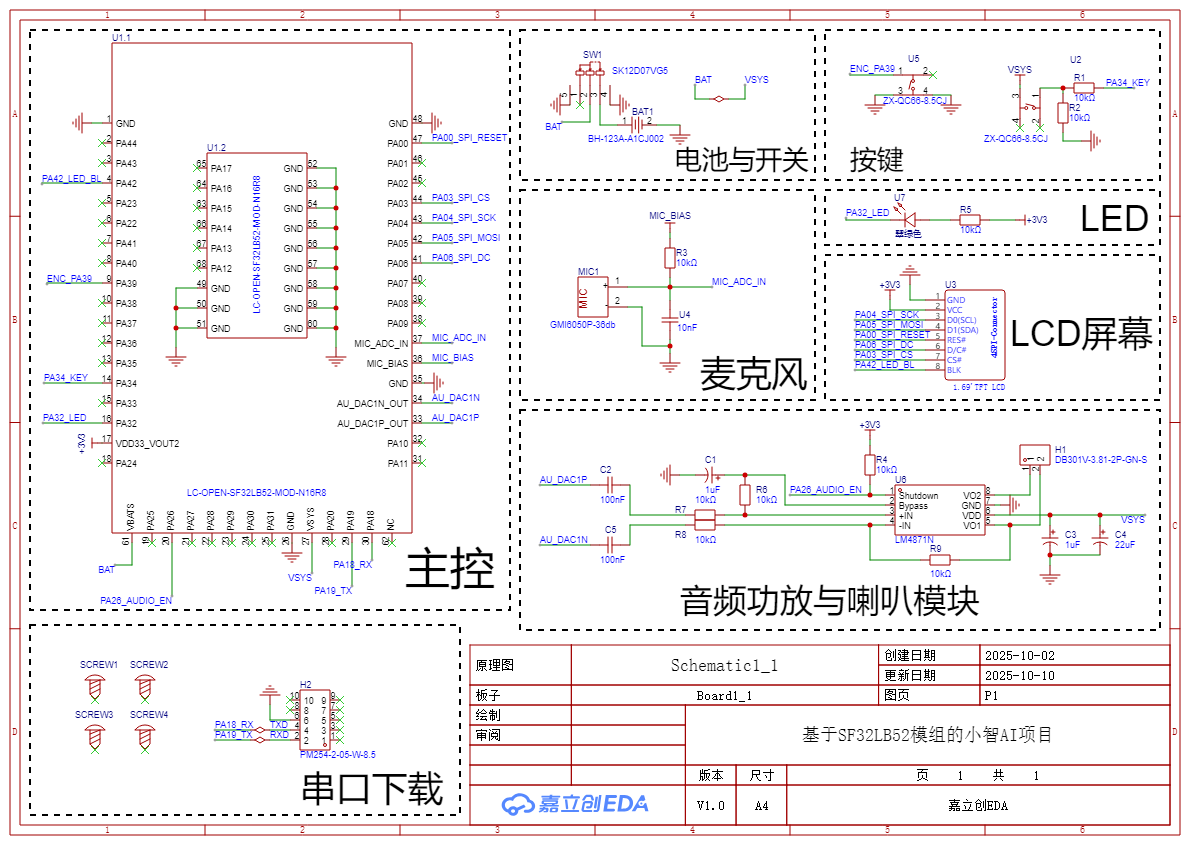
Schematic:

You can refer to this article: https://oshwhub.com/article/the-10th-lichuang-electric-contest-xiao-zhi-ai-assistant-burning-tutorial
sftool is a CLI (command-line interface) tool that needs to be invoked in a terminal. Beginners are advised to use sftool GUI to download the program.