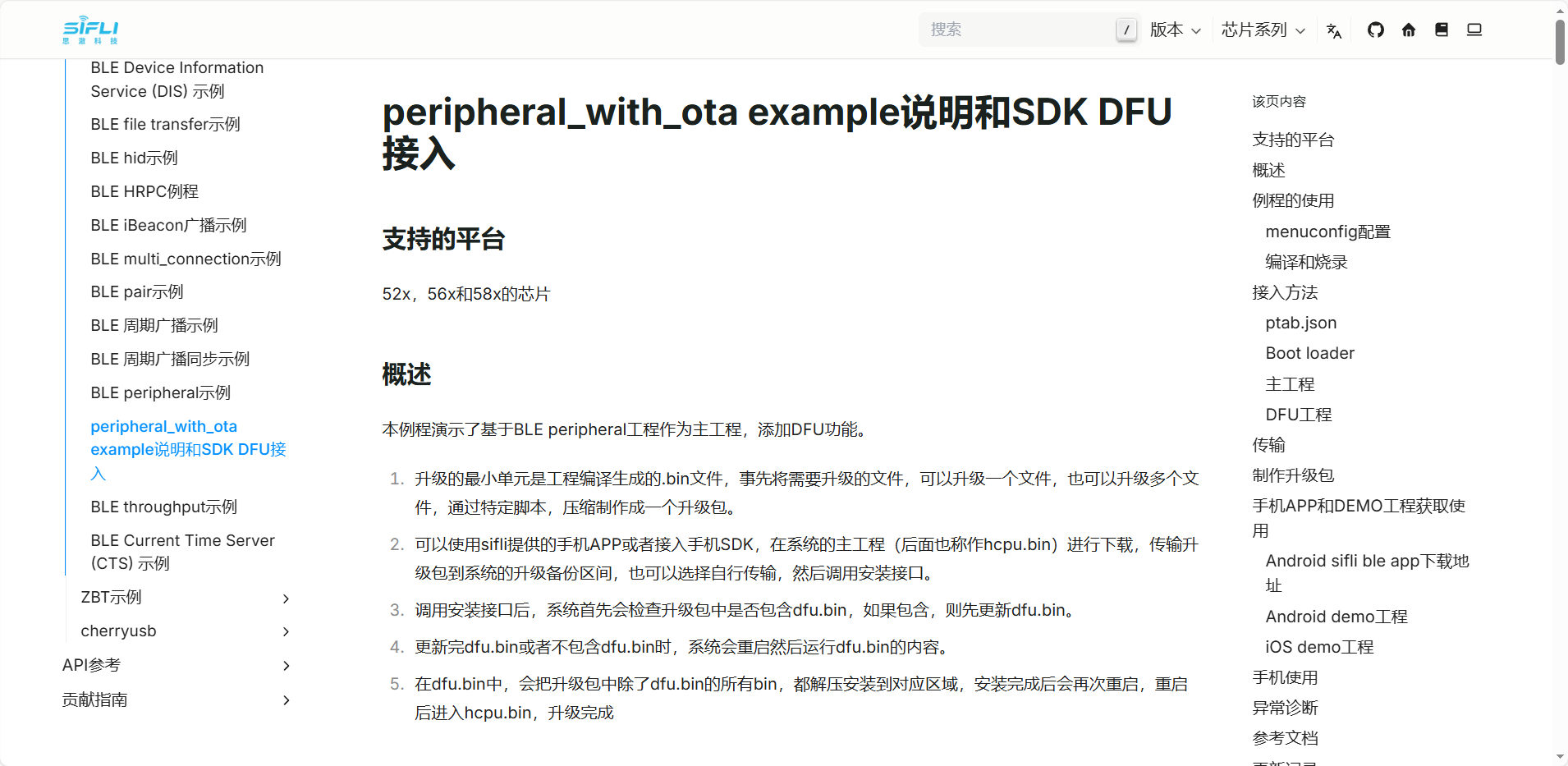
How to use OTA routines?

Could you please explain further how to use the firmware upgrade service middleware?

I’ve read the peripheral_with_ota example guide and SDK DFU integration tutorial, but the more I read, the more confused I get.

I want to use the firmware upgrade service middleware provided in the SDK to implement Bluetooth OTA functionality in my project. However, there’s only one OTA example available: peripheral_with_ota example. I’m completely lost about how this project works. It seems that a DFU project is included and acts as the so-called OTA manager binary (OTA manager bin). But then, the actual firmware upgrade package appears to be handled within main.bin (User.bin)?

Can someone help clarify what’s actually going on here?

If the example isn’t actually using the middleware, then what is the purpose of including dfu.bin?

And if the middleware is being used, where exactly is the upgrade package handled and implemented?

f3acb90e7b9cc841d824c69cfc5f385a

e4908e898637d88c12262cb84d08b098

The peripheral_with_ota example supports file transfer and uses BLE’s GATT service for data communication.
The DFU project can be regarded as an independent installer program (located in example/dfu),
combined with the jump logic implemented in the bootloader.
Therefore, only when these three components work together can a complete OTA function be achieved.

Using the peripheral_with_ota example project, we can transfer our firmware package (as mentioned in the readme, this involves creating the .bin file—this includes generating the .bin file for the DFU project itself. This design not only allows updating the main application firmware but also accounts for cases where the DFU download project itself may need to be updated).
The firmware package is written into a specific memory region. The bootloader then evaluates certain conditions to determine whether to jump into the standalone DFU program.
The DFU program proceeds with the installation. After installation completes, the system resets. The bootloader again checks conditions and jumps to the updated application.

Each function is implemented as an independent program, collectively achieving the most critical functionality in the OTA process—ensuring the device won’t become “bricked.”

One reason the firmware .bin file needs special preparation is to save space, which is why ezip.exe is used for compression.
You may want to review the three components separately to better understand how they work together.

I roughly understand the operational logic of the example code, and I successfully performed an OTA update yesterday. I still have one question: the middleware firmware update service described in your documentation doesn’t follow this workflow—it states that the DFU project receives the OTA data, while user.bin essentially acts only as a trigger.

Can this middleware be used?

Why doesn’t your official solution use the middleware to implement Bluetooth OTA?

As a product developer, which update method do you officially recommend?
If you recommend the middleware approach, is there any related demo available?