Display products have no audio, but require calling functionality. How can I remove the audio portion from HFP?
How to shut down the SCO link
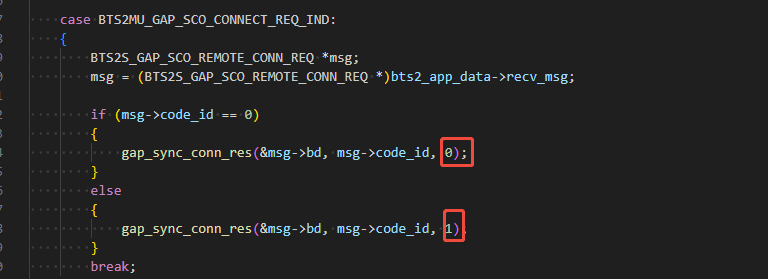
Do you want to know how to reject a Sco connection?
Not entirely accurate.
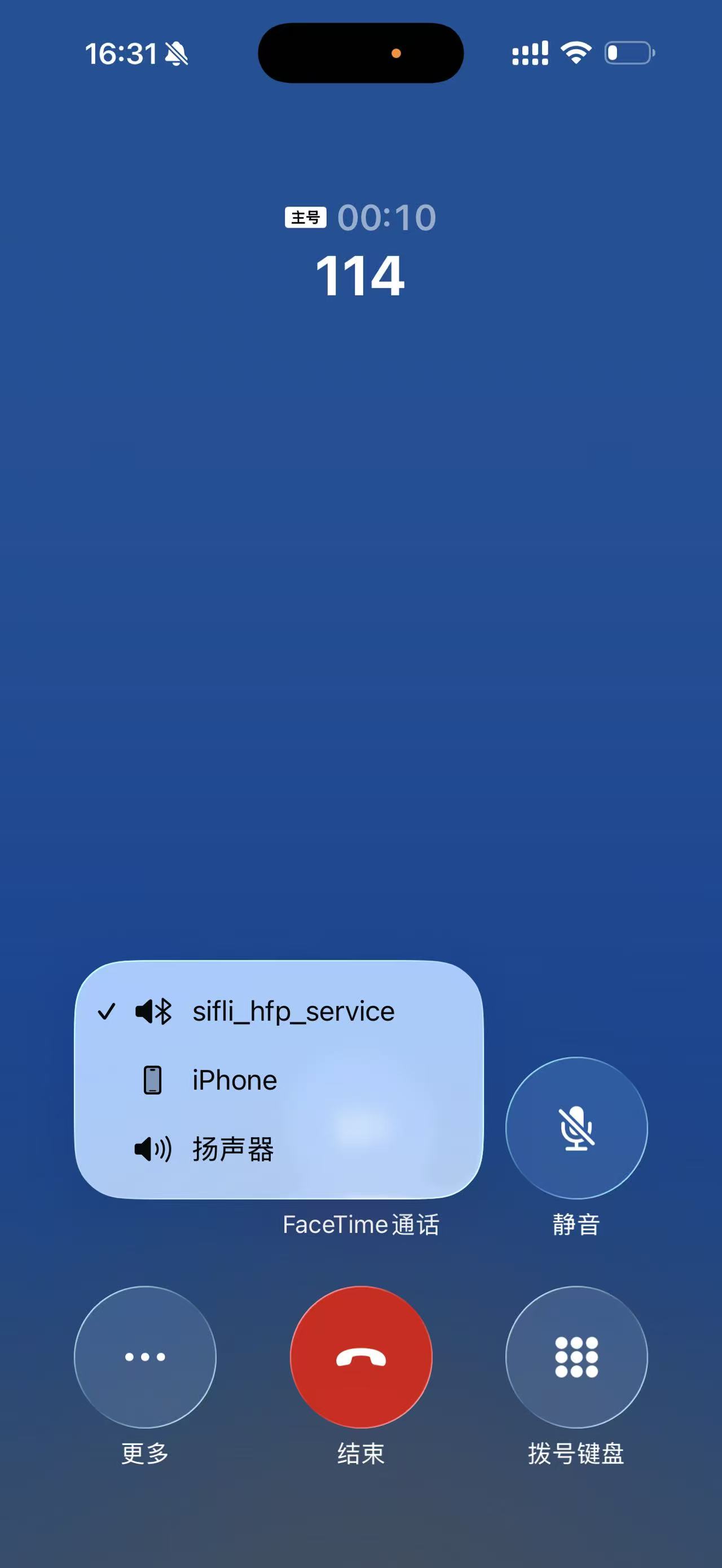
During my testing, I found that after the phone call connects, I have to manually select which speaker to use every time.
How can I make the phone automatically skip this selection prompt entirely, instead of having the option pop up and then rejecting SCO afterward?
Since the product itself doesn’t have a speaker or microphone, the option popping up to select one is somewhat redundant.
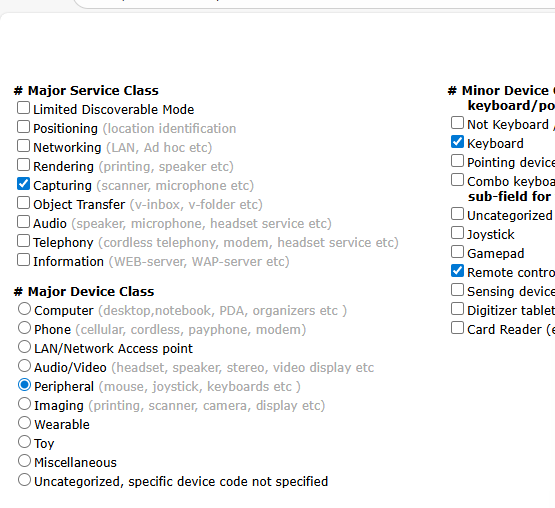
Bluetooth Class of Device/Service (CoD) Generator
__WEAK uint32_t bt_get_class_of_device(void)
{
return 0x240704;
}
你试试看改一下这个值
选择的时候把设备改成无audio的类型看看呢

Something like this
Still exists. Are there any other ways to handle this?

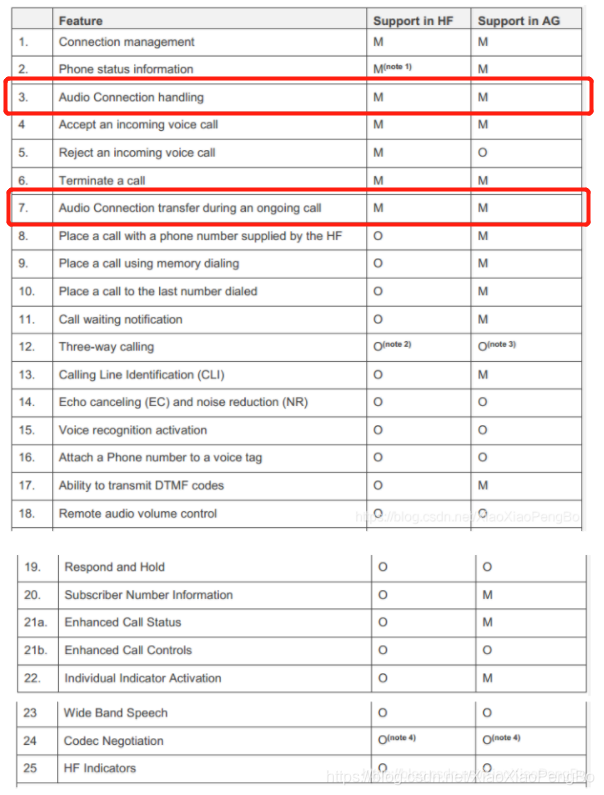
This feature is mandatory and cannot be disabled individually.
Is there a quick way to disconnect immediately after the user makes a selection, then manually disconnect right away?
Is there a way to transfer HFP audio playback to a connected headset via Bluetooth?
Calling the gap_set_sco_res_by_app_flag interface can transfer the received SCO API to the upper layer.