During initialization, HFP has already been initialized.
After HFP initialization and before making remote calls, LVGL refreshes relatively smoothly.
However, after using HFP for calls, LVGL becomes extremely sluggish.
During initialization, HFP has already been initialized.
After HFP initialization and before making remote calls, LVGL refreshes relatively smoothly.
However, after using HFP for calls, LVGL becomes extremely sluggish.


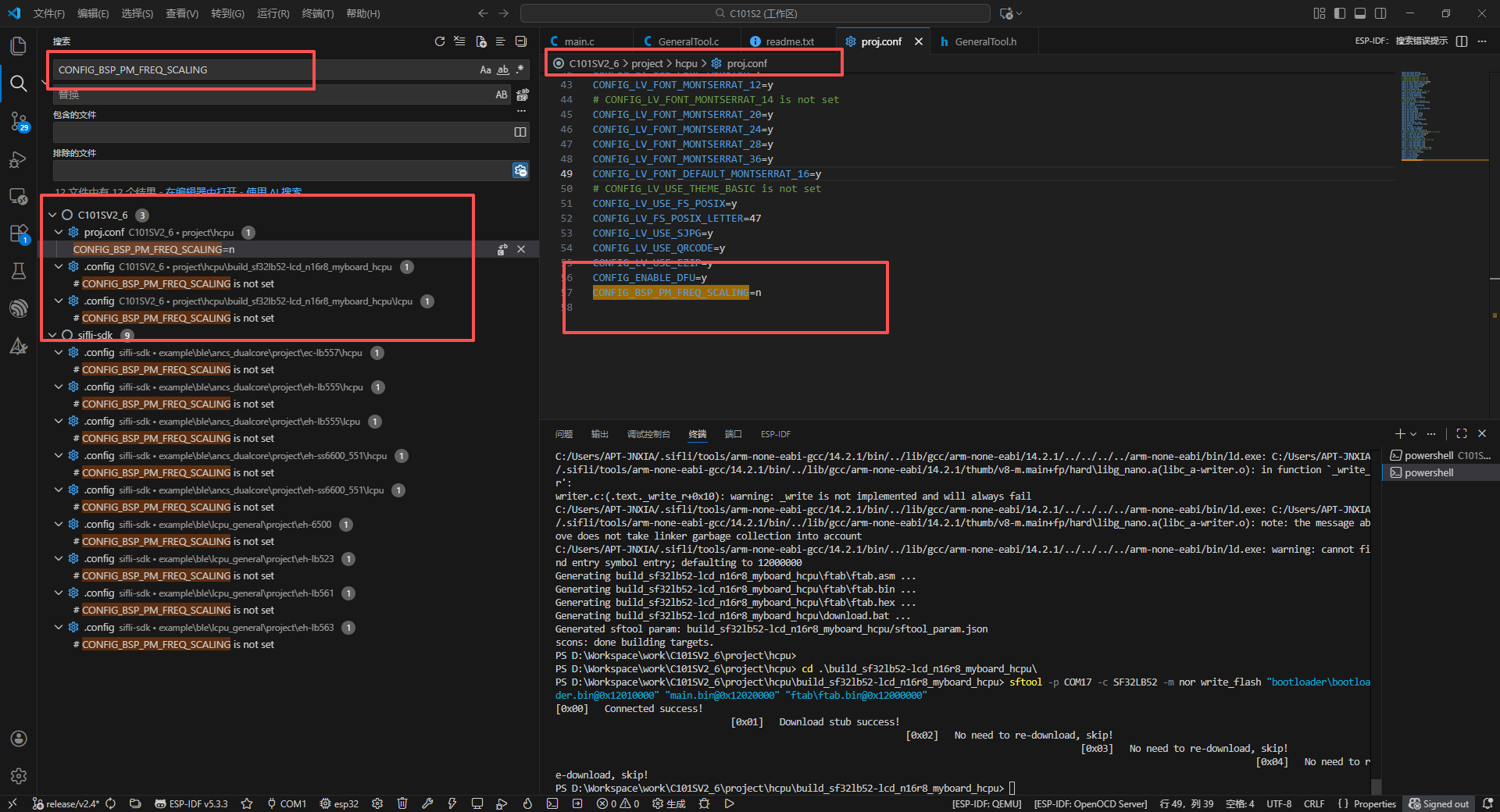
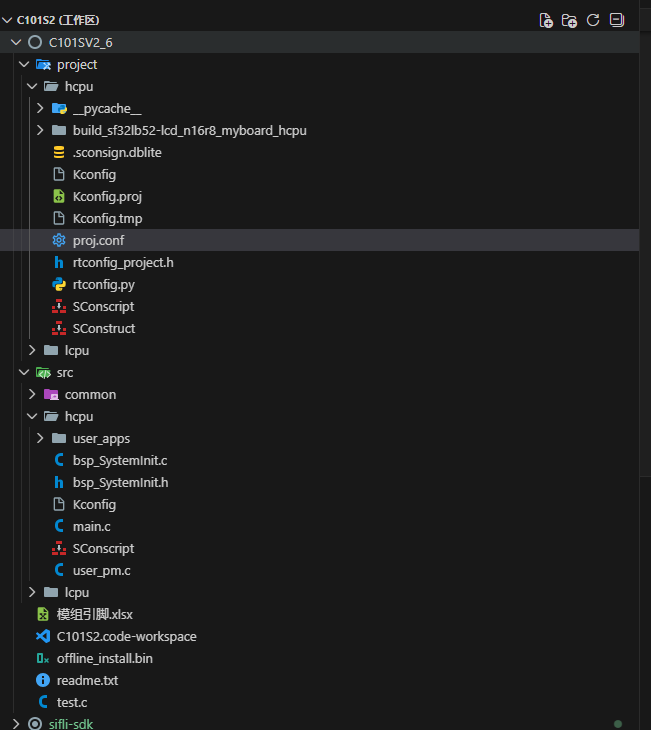
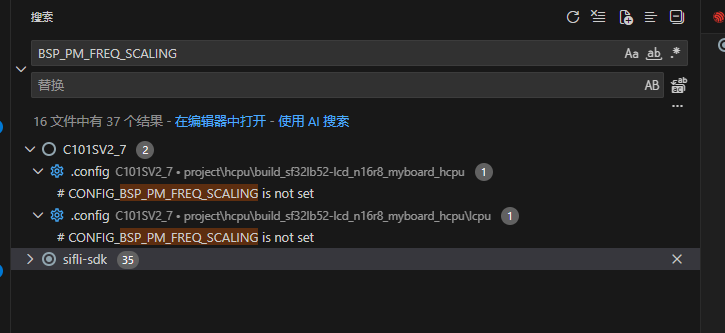
I added CONFIG_BSP_PM_FREQ_SCALING=n, but there’s still lag. Looking at the build output, it seems this setting isn’t being applied. Could you please check whether I’ve added it in the correct location?
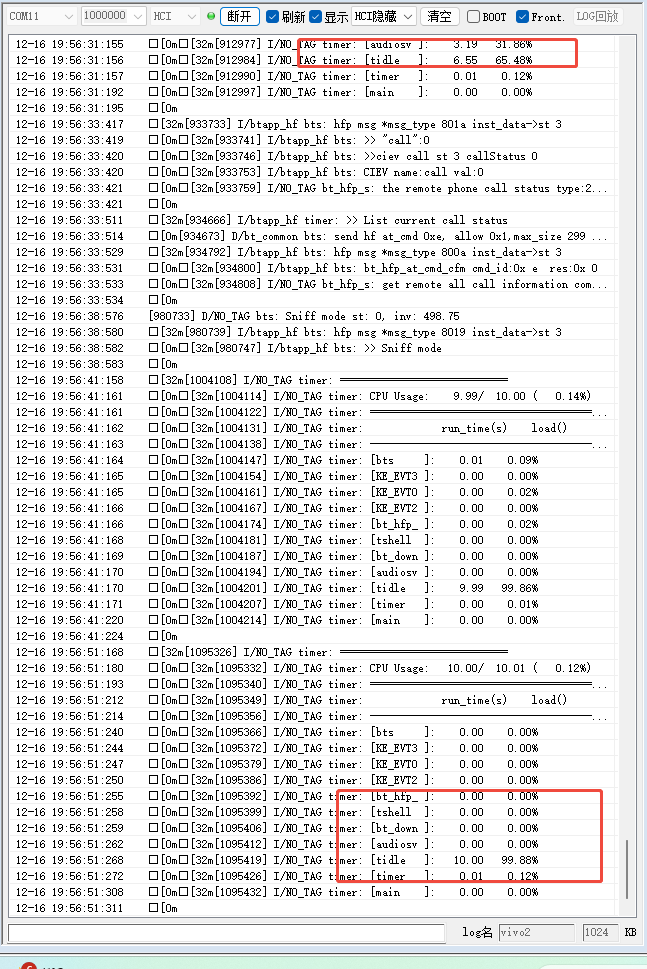
Check the .config or rtconfigh file under the build_sf32lb_52xxxxx directory. If BSP_PM_FREQ_SCALING is not present, frequency scaling is not enabled. If frequency scaling is confirmed to be disabled, then check the CPU usage to see if any process is consuming high CPU.
Where can this log be seen?
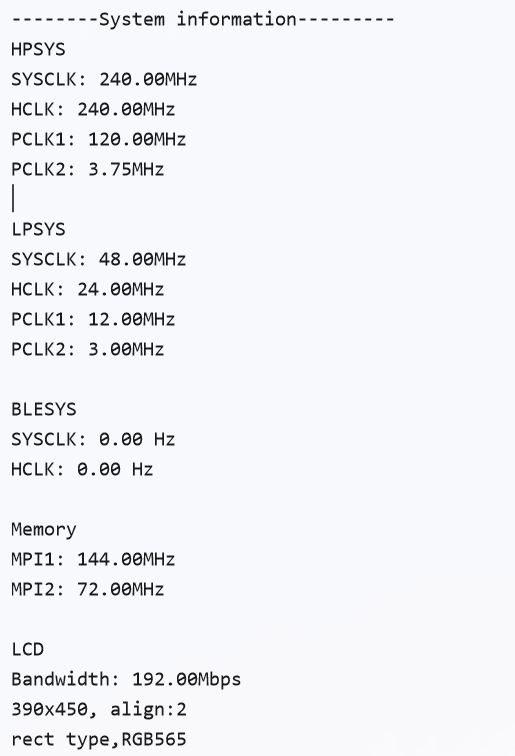
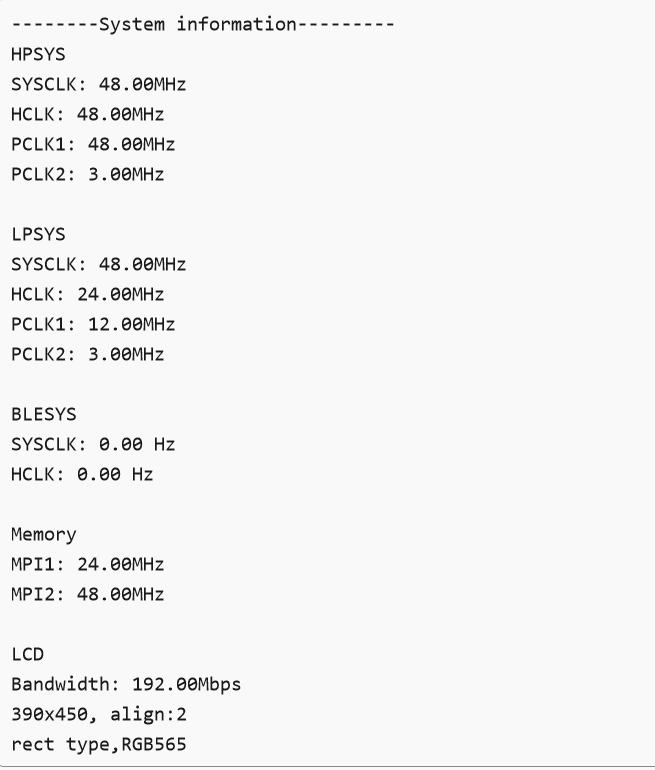
It’s the sysinfo command; run help to see what commands are available.
The main frequency has been reduced to 48MHz. How can this be modified?

The compilation result shows that BSP_PM_FREQ_SCALING is undefined. However, sysinfo indicates that the CPU frequency has been reduced.
The macro cannot control the 52-chip; it’s set to downclock by default. In audio_server.c, when audio starts, it calls the following code to prevent downclocking and sleep:
rt_pm_request(PM_SLEEP_MODE_IDLE);
rt_pm_hw_device_start();
pm_scenario_start(PM_SCENARIO_AUDIO);
When exiting, it calls this to allow downclocking and sleep:
pm_scenario_stop(PM_SCENARIO_AUDIO);
rt_pm_hw_device_stop();
rt_pm_release(PM_SLEEP_MODE_IDLE);
However, after calling pm_scenario_stop(), if no other component prohibits downclocking, the system defaults to downclocking.
To prevent downclocking, you can control it at boot time or via the UI by adding a counter to lock and prevent downclocking. The following scenario types are available:
typedef enum
{
PM_SCENARIO_UI,
PM_SCENARIO_AUDIO,
PM_SCENARIO_RFTEST,
} pm_scenario_name_t;
pm_scenario_start(PM_SCENARIO_UI); // Indicates a request from UI to prevent downclocking
pm_scenario_stop(PM_SCENARIO_UI); // Indicates a request from UI to allow downclocking
These calls must be paired. You must not call start multiple times for the same type.
You can call pm_scenario_start(PM_SCENARIO_UI) once at boot or via the UI to prevent downclocking.
If you later want to allow downclocking again, call pm_scenario_stop(PM_SCENARIO_UI) once.
Calls must be strictly paired—no multiple starts or stops for the same type.
As long as any one scenario type prevents downclocking, downclocking remains disabled.
Only when all scenario types allow downclocking can the system actually downclock.
To save power consumption, you can start when the screen is on and stop when the screen is off.
That’s fine; after pm_scenario_start(PM_SCENARIO_UI), the frequency will no longer be reduced.