How to solve g++ compilation errors

Compilation error in sifli-sdk\example\ble\basc: “Error in calling command: g++”. How should this be resolved?

image

The g++ compiler is missing. In PowerShell, run g++ --version. If it is not present, install the GCC toolchain.

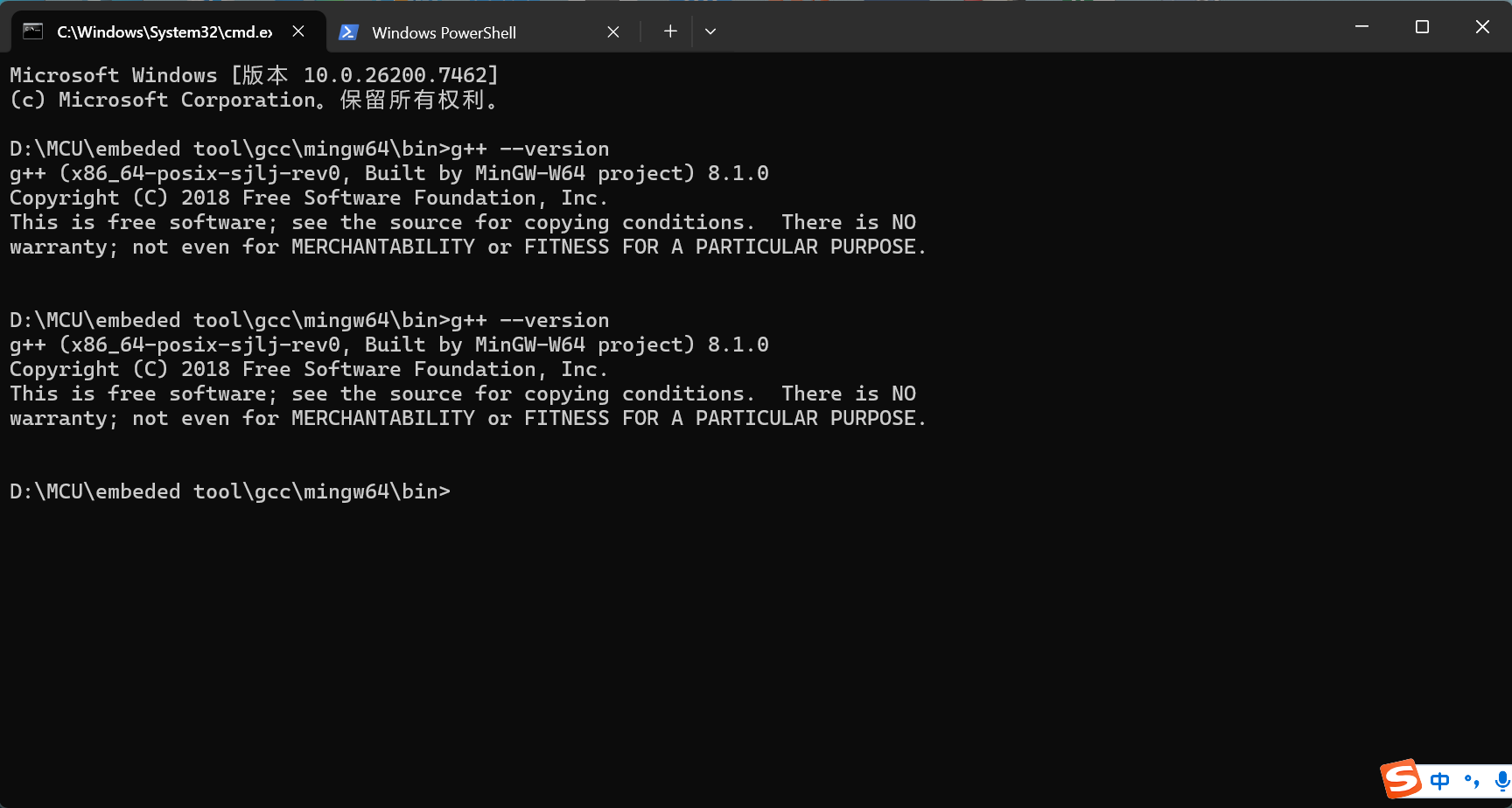
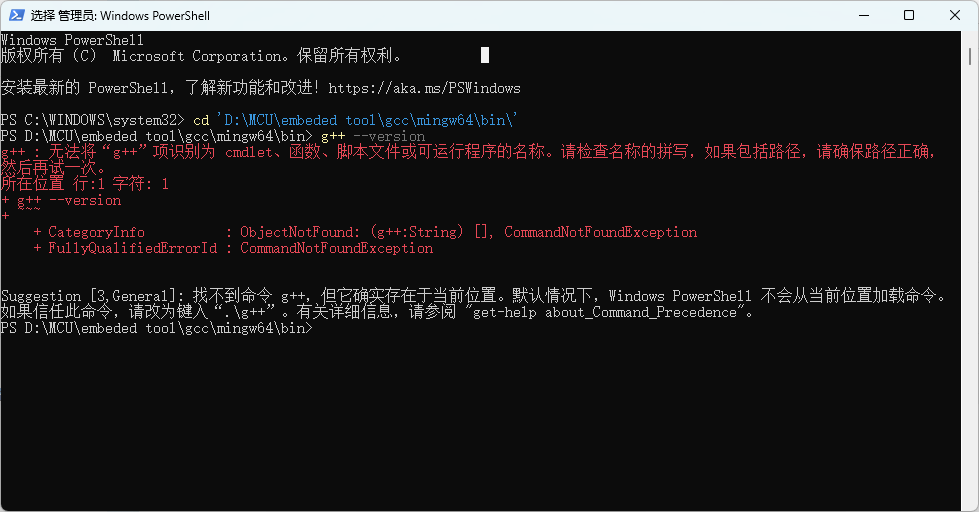
The command prompt can execute g++ –version, but PowerShell fails to do so, even with administrator privileges. Has anyone encountered this issue?

image

image

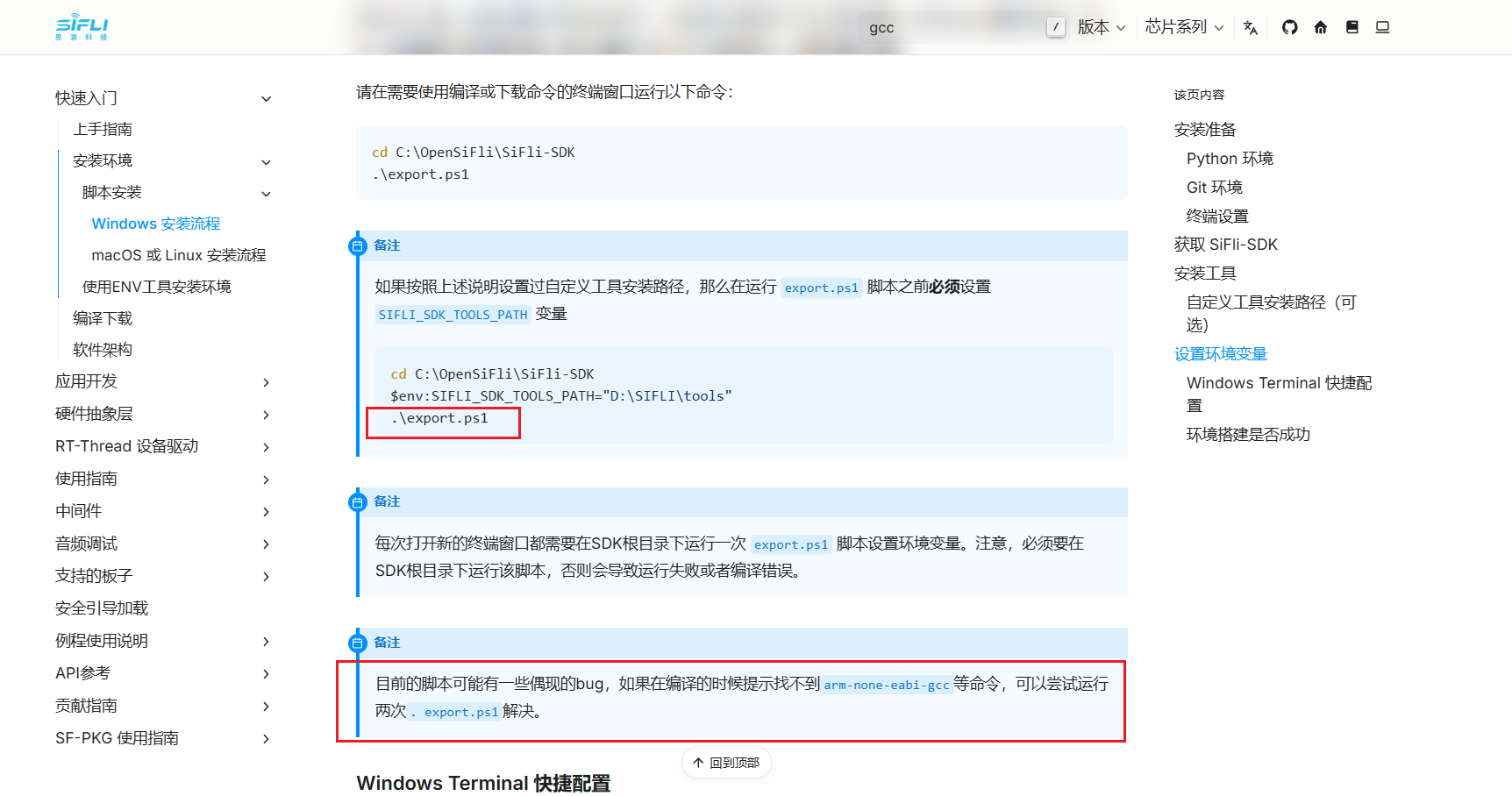
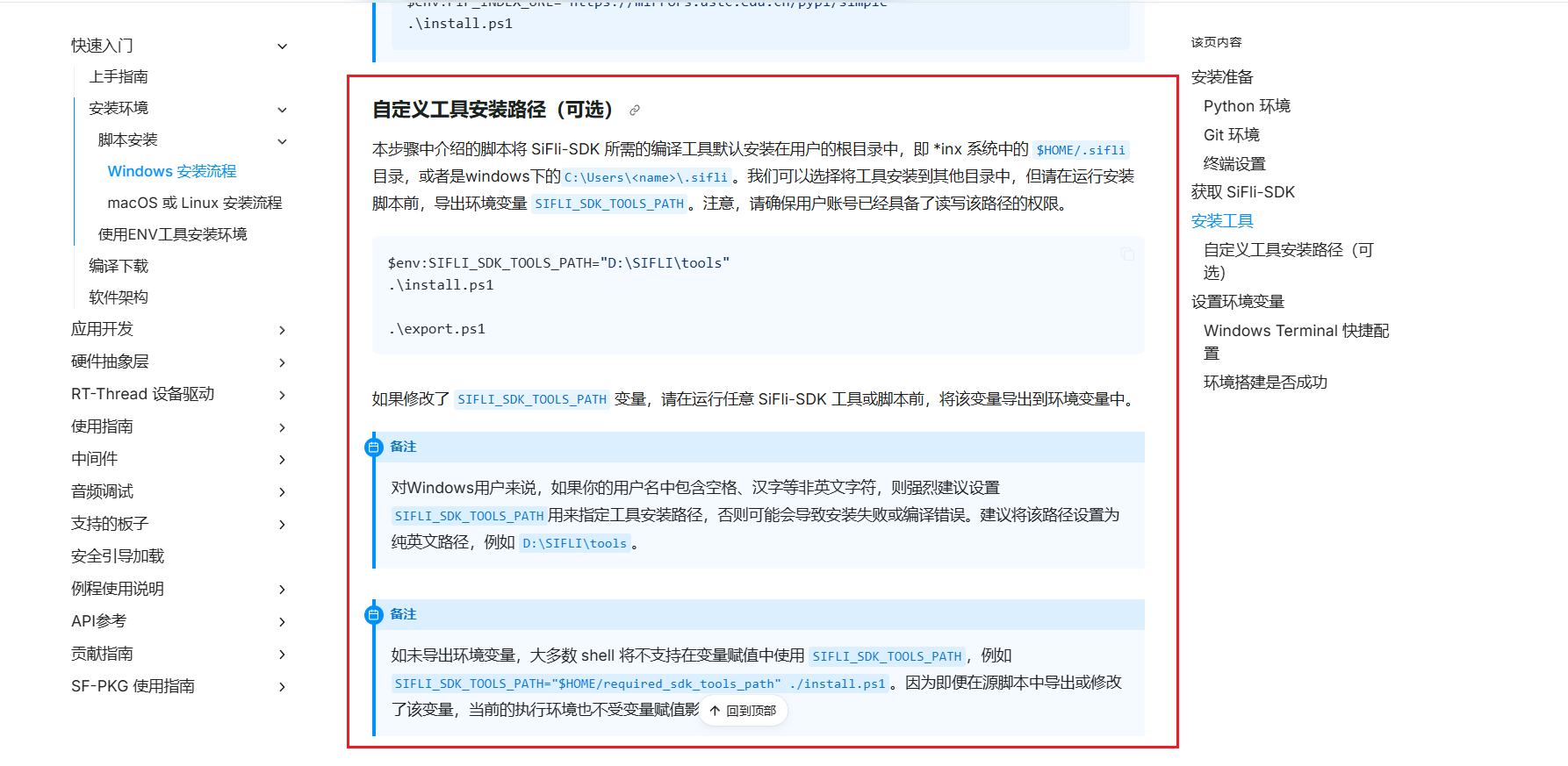
Your environment is not properly installed. Refer to Windows Installation Guide - SiFli SDK Programming Guide Documentation

After setting the environment variables, it is also possible to skip this step.

Image Output

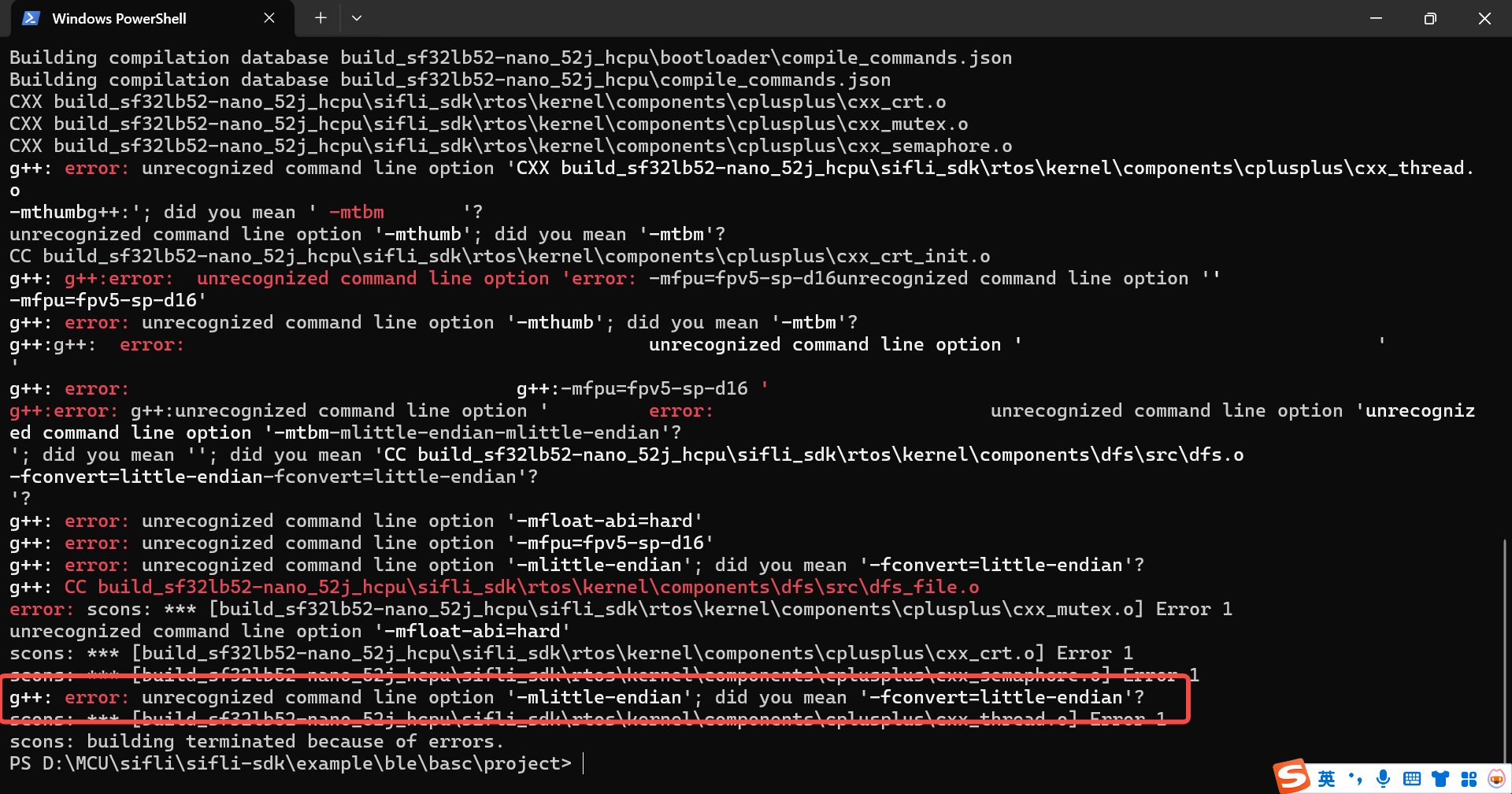
A new issue has appeared. Could it be caused by the GCC version?

The link you used is for x86 GCC, not ARM GCC, which is why there’s an issue. Try re-downloading the compilation tools according to the documentation.

image

It seems the documentation doesn’t mention how to install gcc. When running .\install.ps1, gcc doesn’t appear to be installed either.

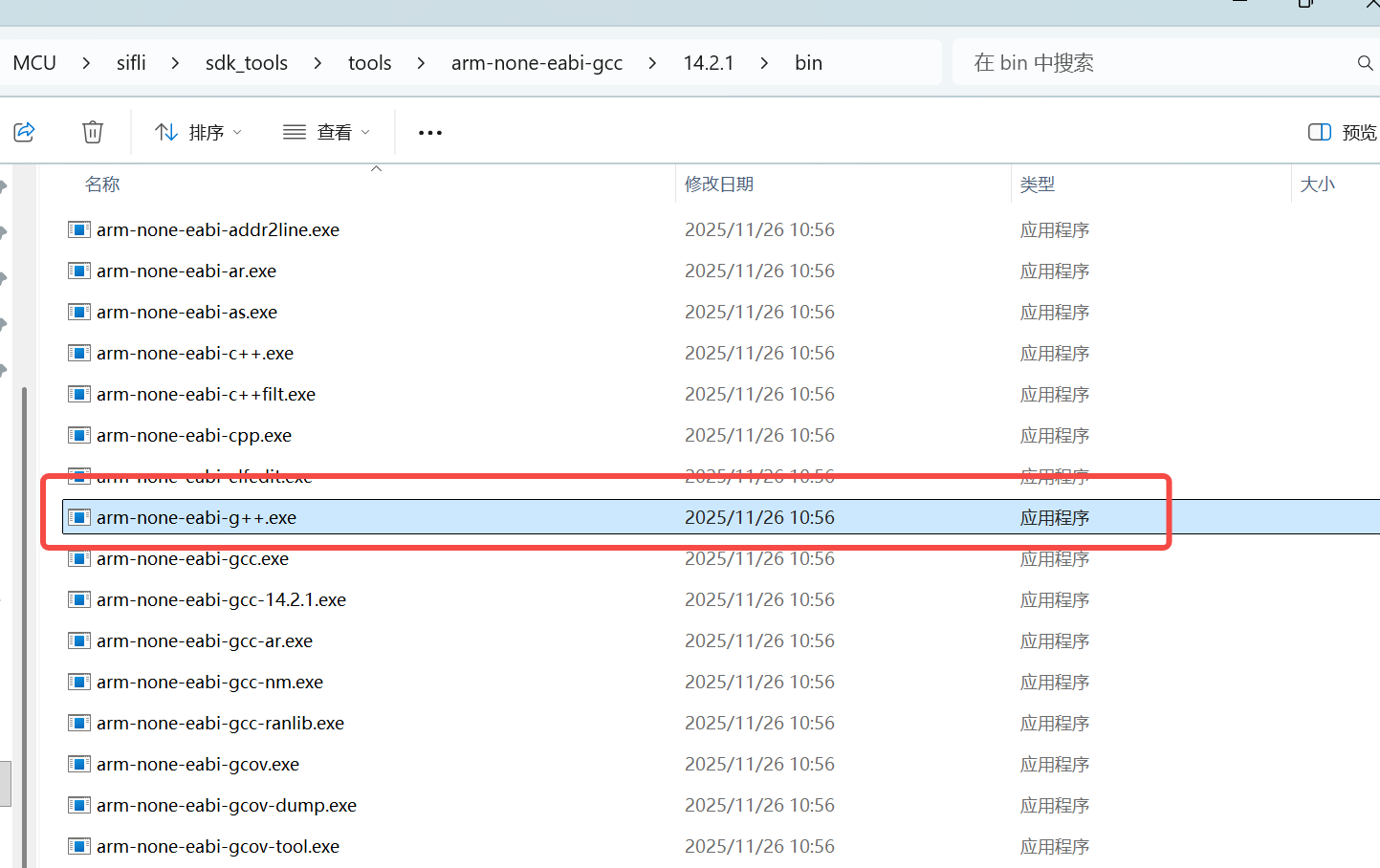
There is an arm-none-eabi-g++.exe in the SDK toolchain, but it only responds when using arm-none-eabi-g++ --version. Running g++ --version results in an error.

image

@HalfSweet Could you please help take a look at this issue?

Which version of the SDK are you using?

main branch pulled on 12/15

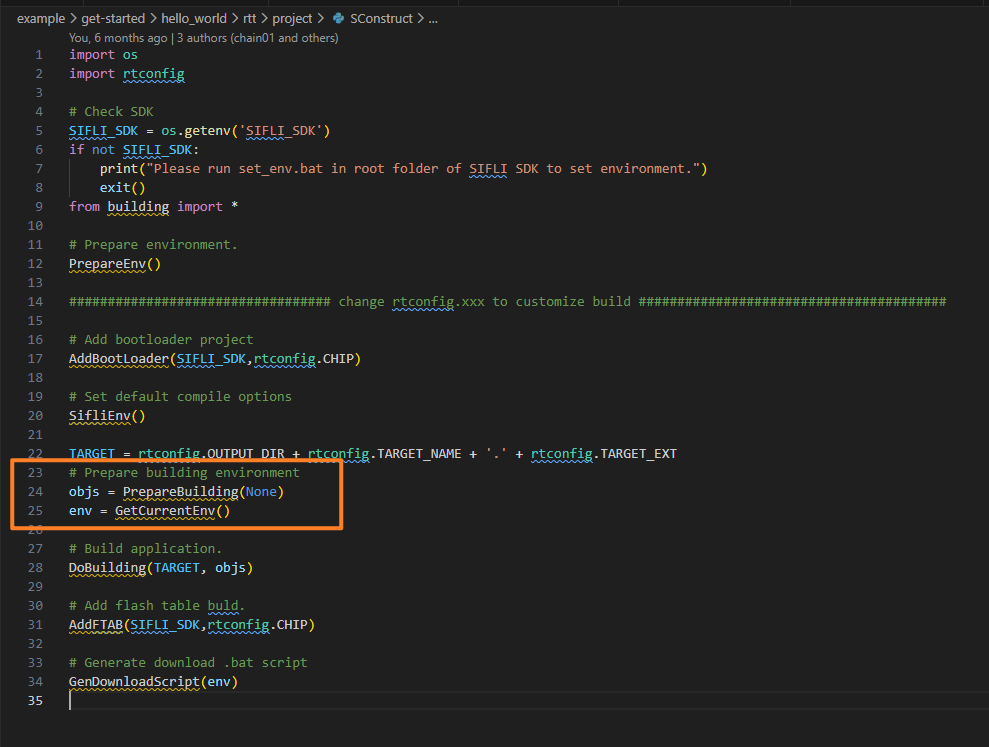
Change the SConstruct file to lines 24–25 as shown in the image:
image

Avoid using this approach:
image

1 Like