Why does the APNG interface become sluggish after adding a video playback interface in the AGIF project?

I converted the APNG animation to a static PNG image under the agif project, and the transition was quite smooth.

However, after adding the MP4 playback interface, when switching from the PNG static image interface to the previous or next interface, the image appears slightly laggy. What could be causing this, and how can I optimize it?

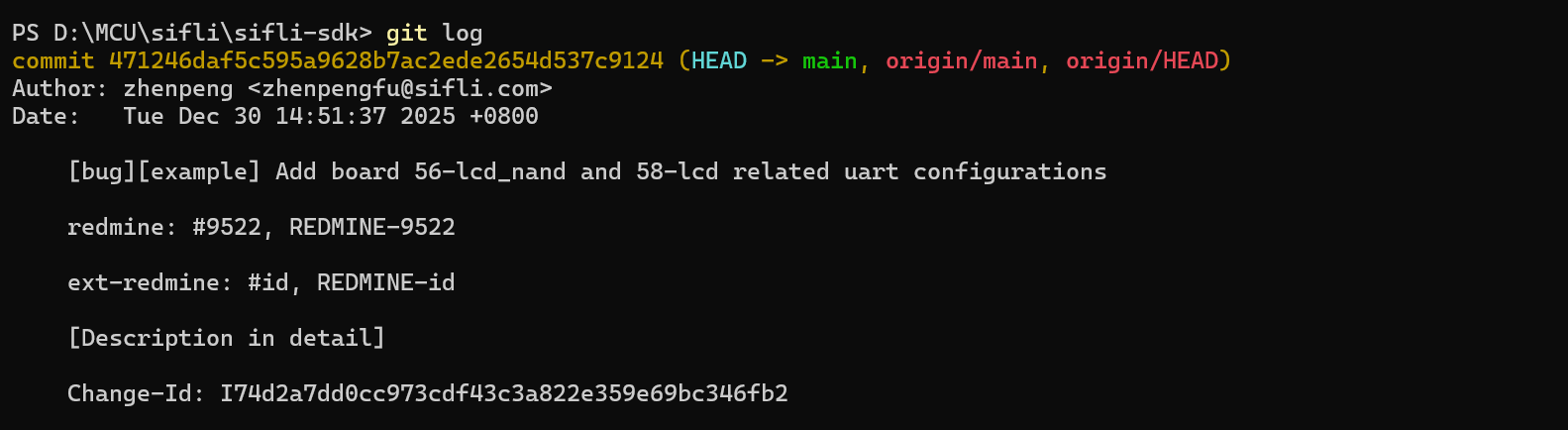
I’m using the main branch SDK updated on December 30, 2025. The development board is Huangshan Pi.

image

lvgl_has_video_playback_feels_a_bit_laggy_when_switching_from_second_to_third_interface.7z (8.4 MB)

lvgl_no_video_play_second_interface_switches_to_third_interface_very_smooth.7z (8.4 MB)

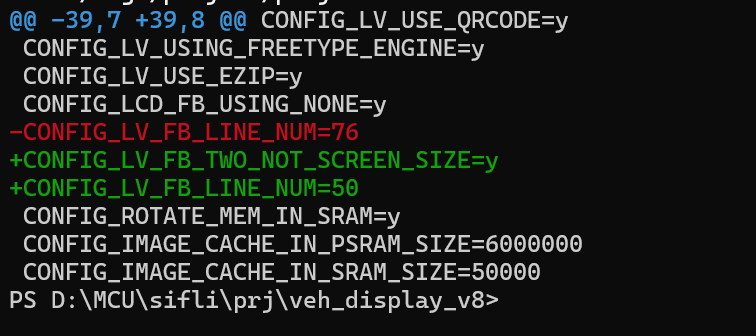
Framebuffer configuration from the project with lag:

CONFIG_LCD_FB_USING_NONE=y // LCD frame buffer disabled
CONFIG_LV_FB_LINE_NUM=76

Framebuffer configuration from the smooth project:

CONFIG_LV_FB_TWO_NOT_SCREEN_SIZE=y
CONFIG_LV_FB_LINE_NUM=50

These two configurations directly affect rendering speed. I suspect other interfaces may also suffer severe lag (for example, switching from the first screen to the second screen is also laggy).

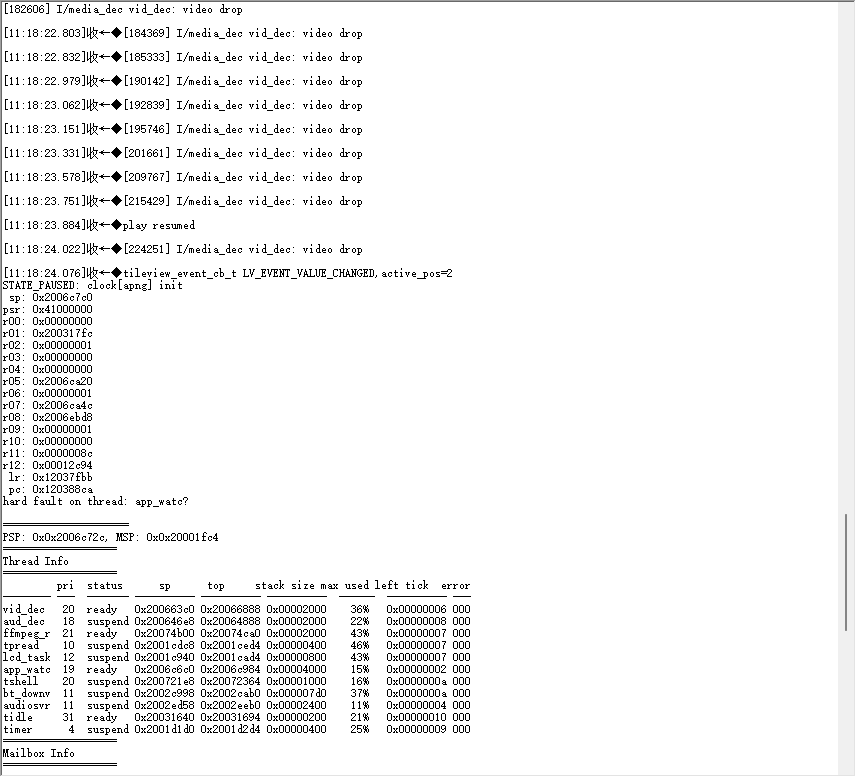
If using a non-lagging solution, the interface switching lag issue isn’t resolved, and switching from the video interface back to the previous screen causes the system to freeze.

image

image

CONFIG_LCD_FB_USING_NONE=y needs to be removed, otherwise it will disable the LCD cache, causing the system to crash. Check the crash log and the subsequent system heap dump to see if the heap has been exhausted.

1 Like

I’ll try again in a few days when I have more free time.

Just delete this, thank you!