Burning "Hello World" unsuccessful

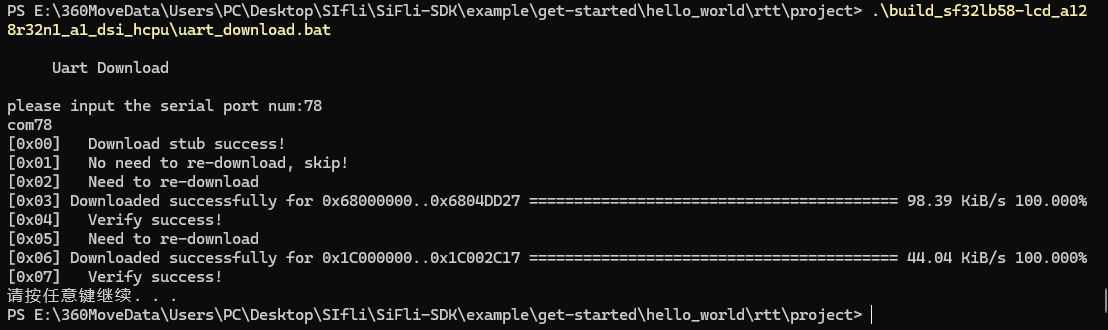
I have successfully flashed according to the routine:
\build_sf32lb58-lcd_a128r32n1_a1_dsi_hcpu\uart_download.bat
image

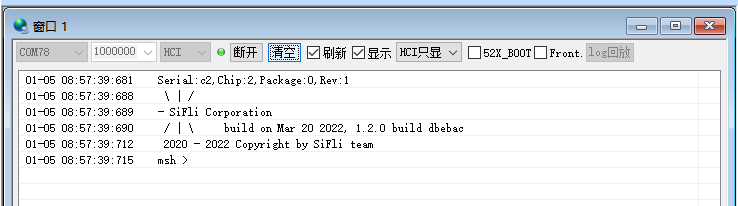
Final result:

image

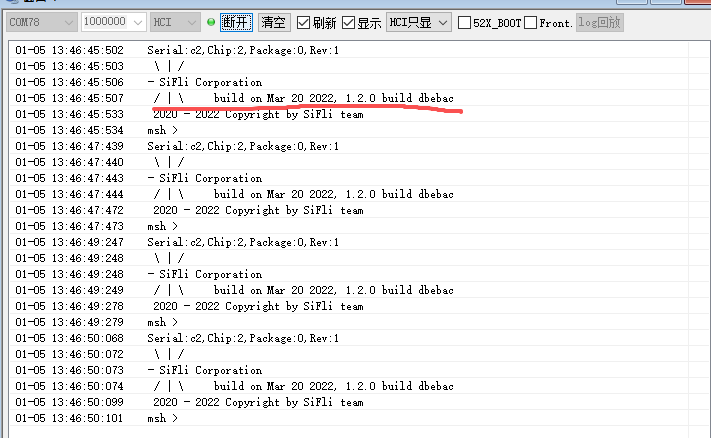
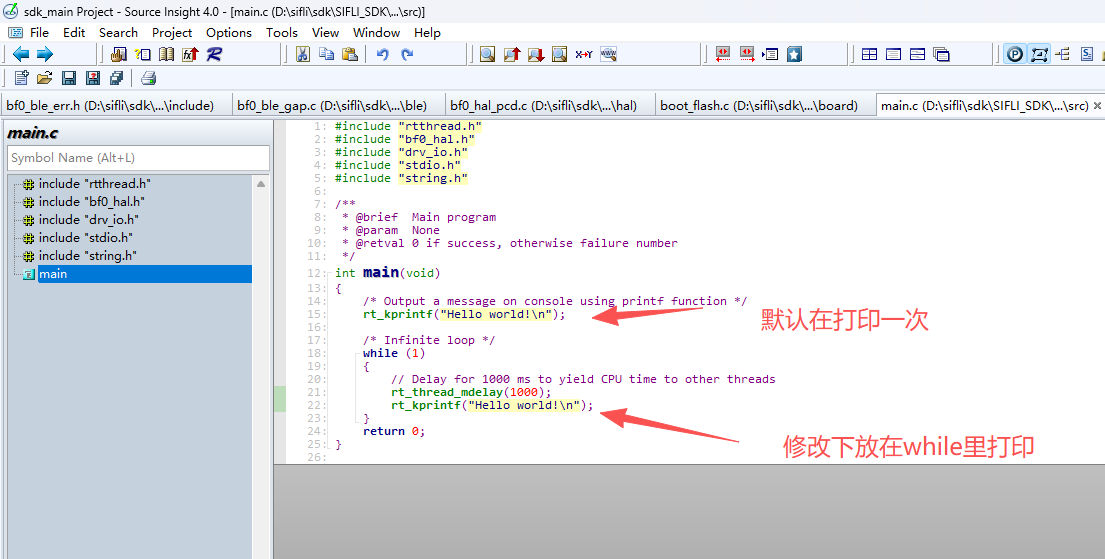
Print output: It did not print “hello world”—is this an issue?

image

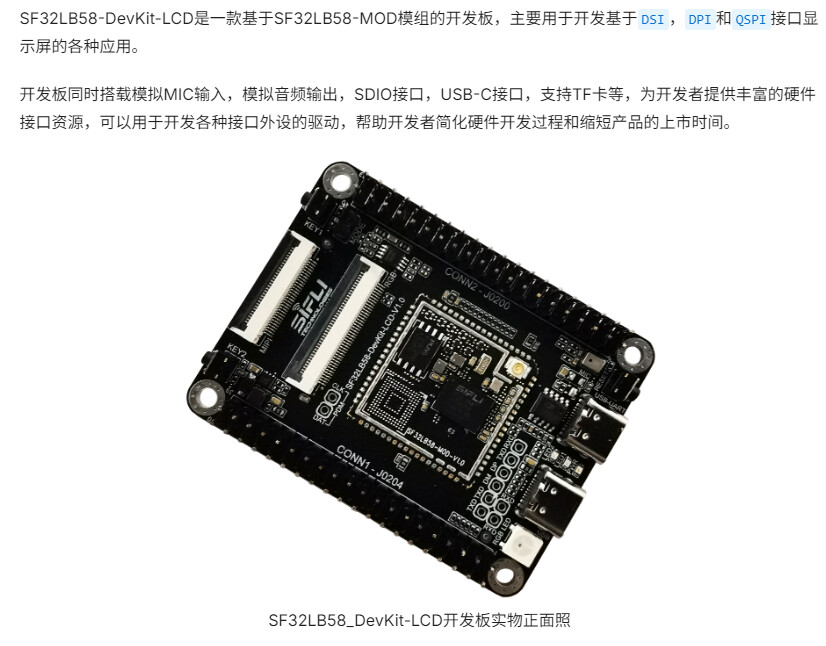
What model of the board are you using? The label you’ve marked seems to be Huangshan Pi.

image

Using this board.

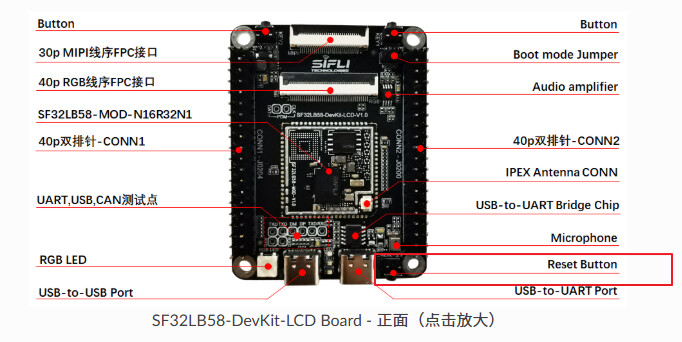
The characters “hello world” might be cached in the serial chip. You can press the reset button on the board and check whether the subsequent log output contains: hello world?

image

image

It’s still the same after many attempts, and the printed compilation time is still 2022.

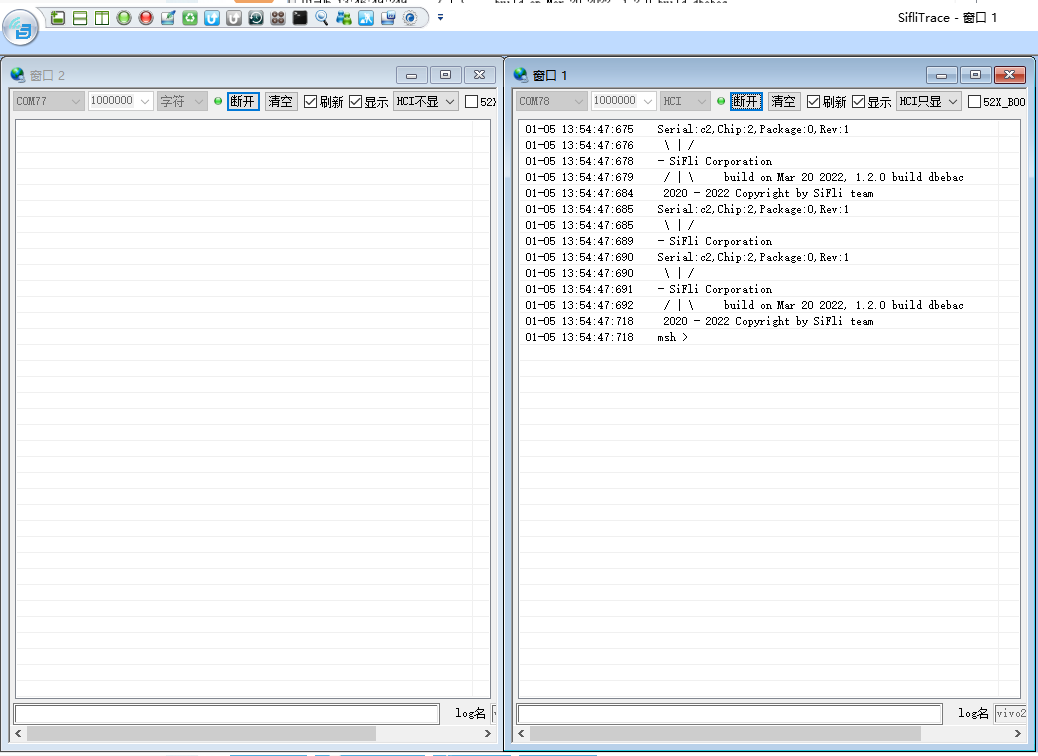
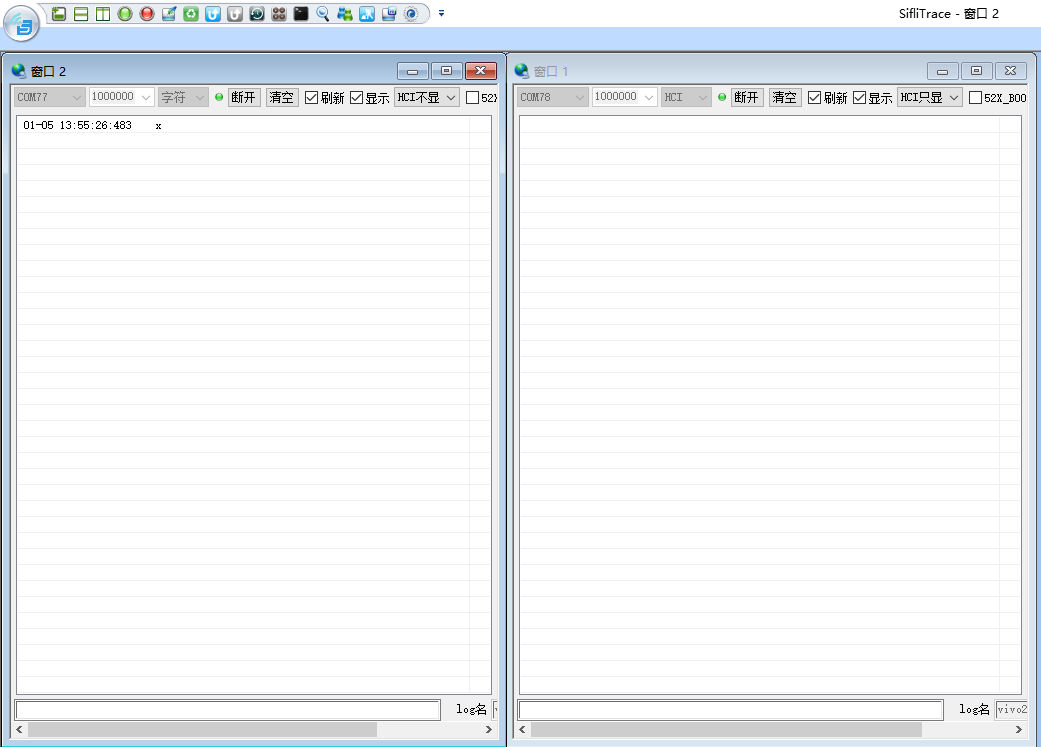
When you connect the USB-UART interface of the 58 development board to your computer, the system will recognize two COM ports: one for firmware flashing and the other for serial port print output. If you do not see the expected print messages in the serial assistant, please follow these steps:

  1. Disconnect the Boot mode jumper: Make sure the development board is not in download mode, so it can enter normal running mode.

  2. Switch the serial port: In the serial assistant, disconnect the currently connected COM port and try connecting to the other port instead.

image

This is with the jumper cap connected.

image

This is with the jumper cap disconnected.

It might have been selecting the wrong baud rate for the printer port, but it’s working normally now.

Please mention the changes made when describing the issue in the future. When the problem description said “hellworld” wasn’t printed, I thought the original, unmodified code had an issue.