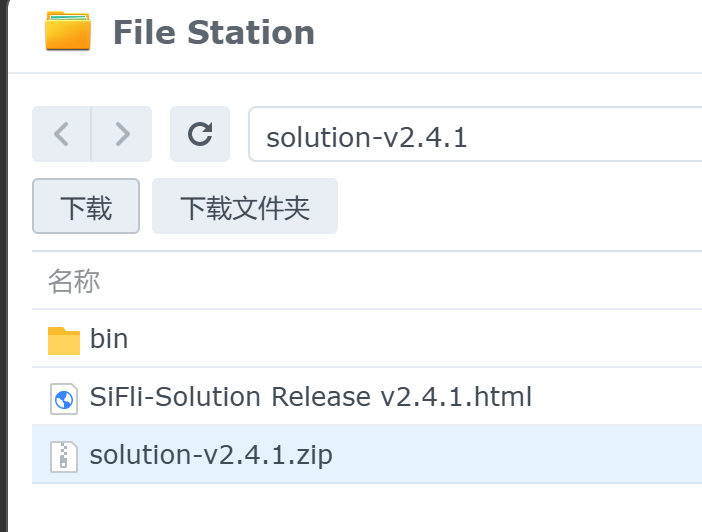
打印各个参数都对得上,就是渲染不出来,是不是要配置其他东西?
贴一下你的遮罩代码
static void test_rect_draw_event_cb(lv_event_t * e) {

    lv_event_code_t code = lv_event_get_code(e);

    lv_obj_t * obj = lv_event_get_target(e);

    static int16_t mask_id = -1;  // 保存遮罩ID(仅用于单实例测试)

    if (code == LV_EVENT_DRAW_MAIN_BEGIN) {

        lv_area_t coords;
        lv_obj_get_coords(obj, &coords);

        lv_coord_t cx = coords.x1 + lv_obj_get_width(obj) / 2;
        lv_coord_t cy = coords.y1 + lv_obj_get_height(obj) / 2;
        lv_coord_t radius = lv_obj_get_width(obj) / 2;

        lv_area_t mask_area = {
            .x1 = cx - radius,
            .y1 = cy - radius,
            .x2 = cx + radius,
            .y2 = cy + radius
        };

        static lv_draw_mask_radius_param_t mask_radius;
        lv_draw_mask_radius_init(&mask_radius, &mask_area, radius, false);  // 修正半径参数
        mask_id = lv_draw_mask_add(&mask_radius, NULL);

    }
    else if (code == LV_EVENT_DRAW_MAIN_END) {
        if (mask_id >= 0) {
            lv_draw_mask_remove_id(mask_id);
            mask_id = -1;
        }
    }
}

void test_pure_color_mask(void) {
    // 创建一个200x200的红色矩形
    lv_obj_t * rect = lv_obj_create(lv_scr_act());
    lv_obj_set_size(rect, 200, 200);
    lv_obj_set_style_bg_color(rect, lv_color_hex(0xFF0000), 0);
    lv_obj_set_style_radius(rect, 0, 0);  // 确保无圆角
    lv_obj_align(rect, LV_ALIGN_CENTER, 0, 0);

    // 注册绘制事件
    lv_obj_add_event_cb(rect, test_rect_draw_event_cb, LV_EVENT_DRAW_MAIN_BEGIN, NULL);
    lv_obj_add_event_cb(rect, test_rect_draw_event_cb, LV_EVENT_DRAW_MAIN_END, NULL);
}

/**
 * @brief 页面运行
 */
void ui_func_page_3_run(void)
{
    static uint32_t start_time = 0;
    if (lv_tick_get() - start_time > 10000)
    {
        start_time = 0xFFFFFFFF;
        test_pure_color_mask();
    }
}
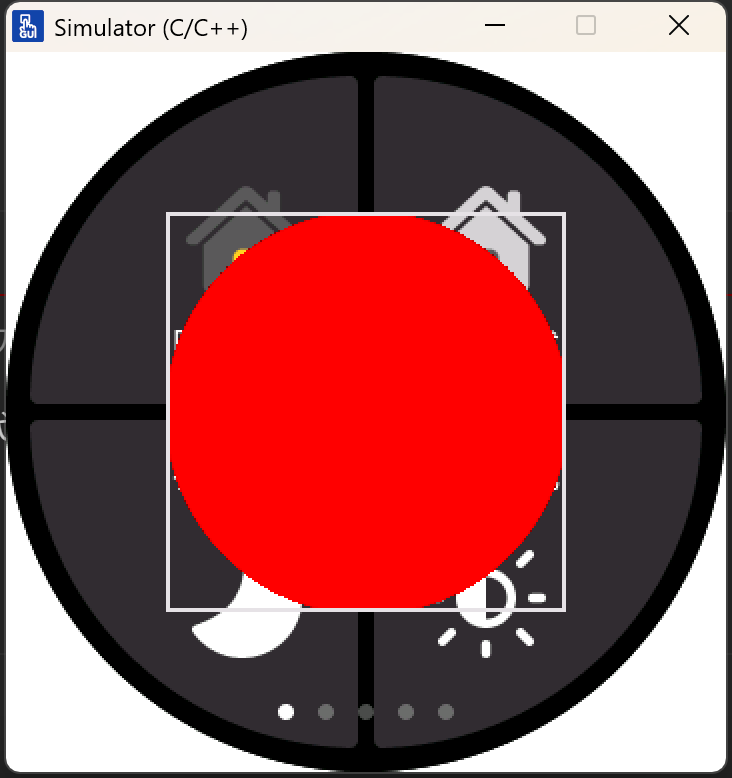
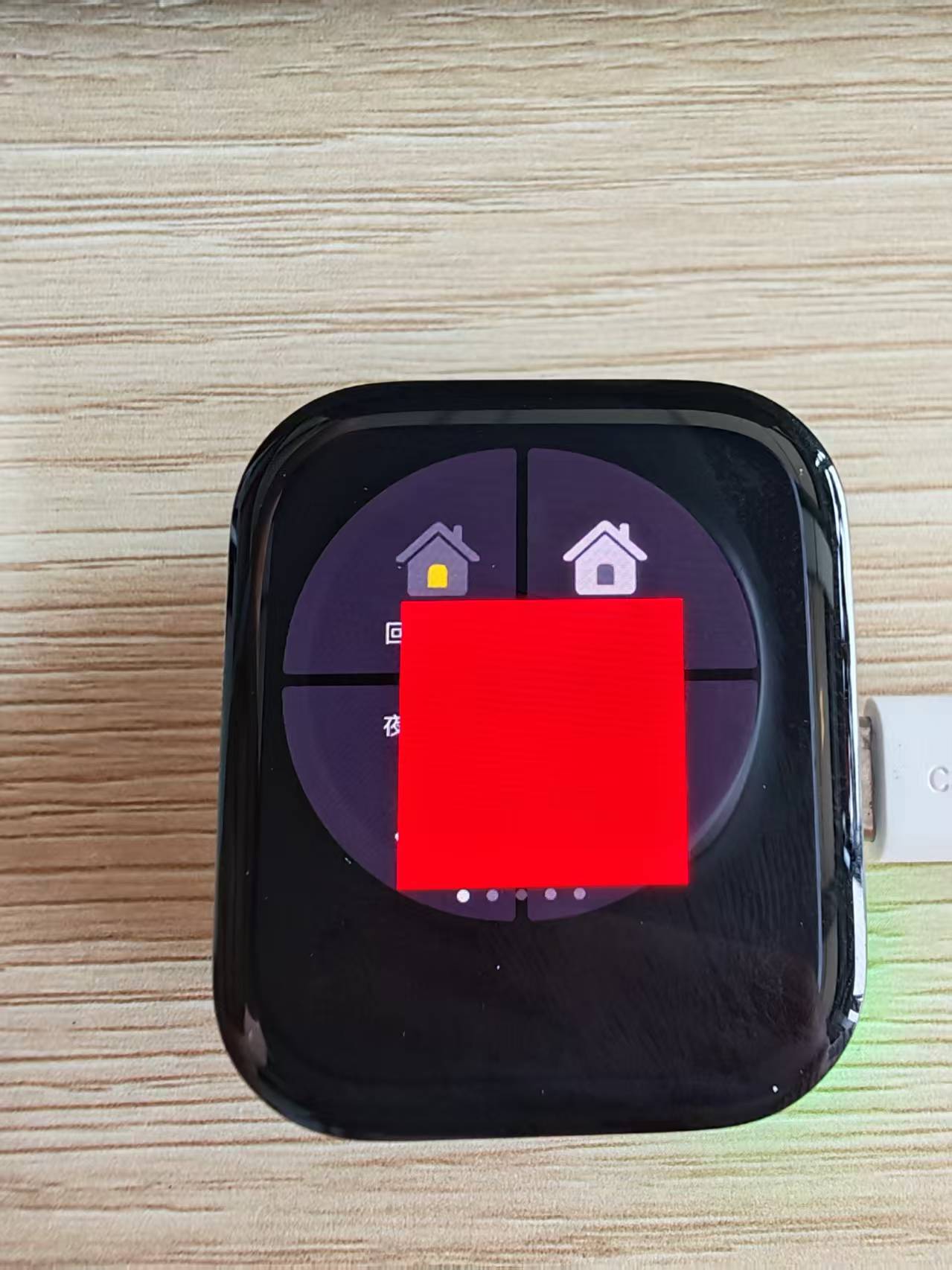
我将你贴的代码放到lv8_example里面确实没显示,加上 lv_obj_set_style_bg_opa(rect, LV_OPA_COVER, 0);设置一下透明度就能正常显示了。
另外我这边提供一下我这边代码供给参考:
typedef struct {

    lv_draw_mask_radius_param_t radius;

int16_t id;

} circle_mask_ctx_t;


static void test_rect_draw_event_cb(lv_event_t \* e)

{

lv_event_code_t code = lv_event_get_code(e);

lv_obj_t \* obj = lv_event_get_target(e);

circle_mask_ctx_t \* mask_ctx = lv_event_get_user_data(e);


if (code == LV_EVENT_COVER_CHECK)

    {

lv_event_set_cover_res(e, LV_COVER_RES_MASKED);

    }

else if (code == LV_EVENT_DRAW_MAIN_BEGIN)

    {

lv_area_t coords;

lv_obj_get_coords(obj, &coords);


lv_coord_t radius = LV_MIN(lv_area_get_width(&coords), lv_area_get_height(&coords)) / 2;

lv_draw_mask_radius_init(&mask_ctx->radius, &coords, radius, false);

mask_ctx->id = lv_draw_mask_add(&mask_ctx->radius, NULL);

    }

else if (code == LV_EVENT_DRAW_MAIN_END)

    {

if (mask_ctx->id != LV_MASK_ID_INV)

        {

lv_draw_mask_remove_id(mask_ctx->id);

lv_draw_mask_free_param(&mask_ctx->radius);

mask_ctx->id = LV_MASK_ID_INV;

        }

    }

}


void test_pure_color_mask(void)

{

static circle_mask_ctx_t mask_ctx;

lv_obj_t \* rect = lv_obj_create(lv_scr_act());

lv_obj_set_size(rect, 200, 200);

lv_obj_set_style_bg_color(rect, lv_color_hex(0xFF0000), 0);

lv_obj_set_style_bg_opa(rect, LV_OPA_COVER, 0);

lv_obj_set_style_radius(rect, 0, 0);

lv_obj_set_style_border_width(rect, 0, 0);

lv_obj_set_style_outline_width(rect, 0, 0);

lv_obj_set_style_shadow_width(rect, 0, 0);

lv_obj_align(rect, LV_ALIGN_CENTER, 0, 0);


mask_ctx.id = LV_MASK_ID_INV;

lv_obj_add_event_cb(rect, test_rect_draw_event_cb, LV_EVENT_ALL, &mask_ctx);

}